What Feinwerk Campaigns does, and what comes next.
Six areas that work together from the name to the measurement: one convention, clean links, checked landing pages, documented tracking, understandable results and the connection to Matomo. Every feature shows whether it is running yet.
Set the rules once, everyone works by them.
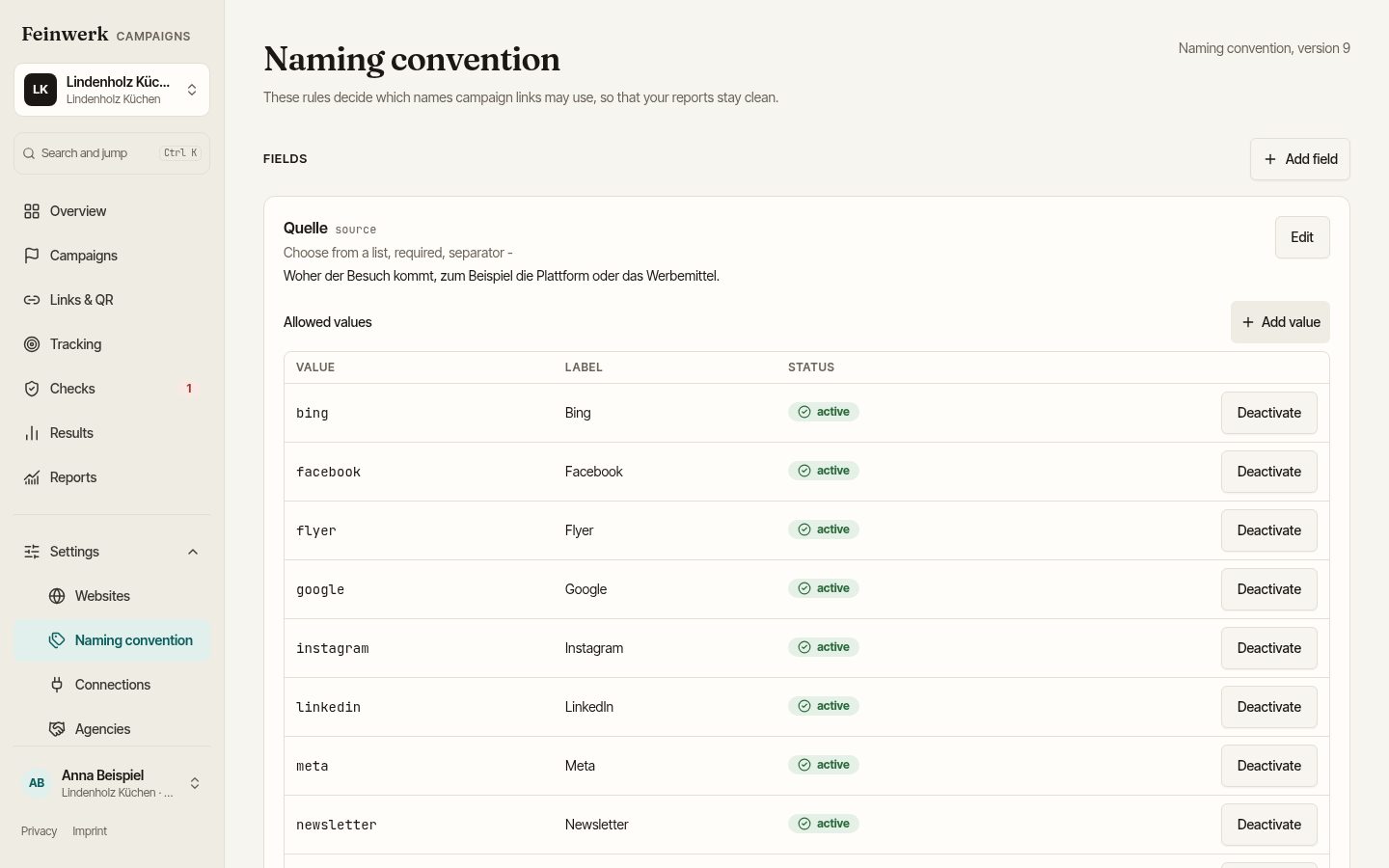
The company decides which values are allowed for source, medium, campaign and content. Every person and every agency in the workspace builds their links by these rules.
Who uses it: The company sets the rules, teams and agencies work by them.
| Field | Rule | Example |
|---|---|---|
| Source | List, 14 values | newsletter |
| Medium | List with channel | cpc → Paid Search |
| Campaign | Pattern of three parts | 2026_kitchens_leads |
| Content | Free text, lowercase, no umlauts | banner-top |
| Market | own field, list | ch-de |
Allowed values per field
Each field knows its permitted values. Spellings like "Newsletter", "newsletter" and "NL" no longer exist side by side.
New values with approval
If a value is missing, the agency files a request. A workspace admin approves or rejects it, and the history stays.
Mapping to channels
The convention assigns sources and media to your channels, so reporting by channel needs no manual work.
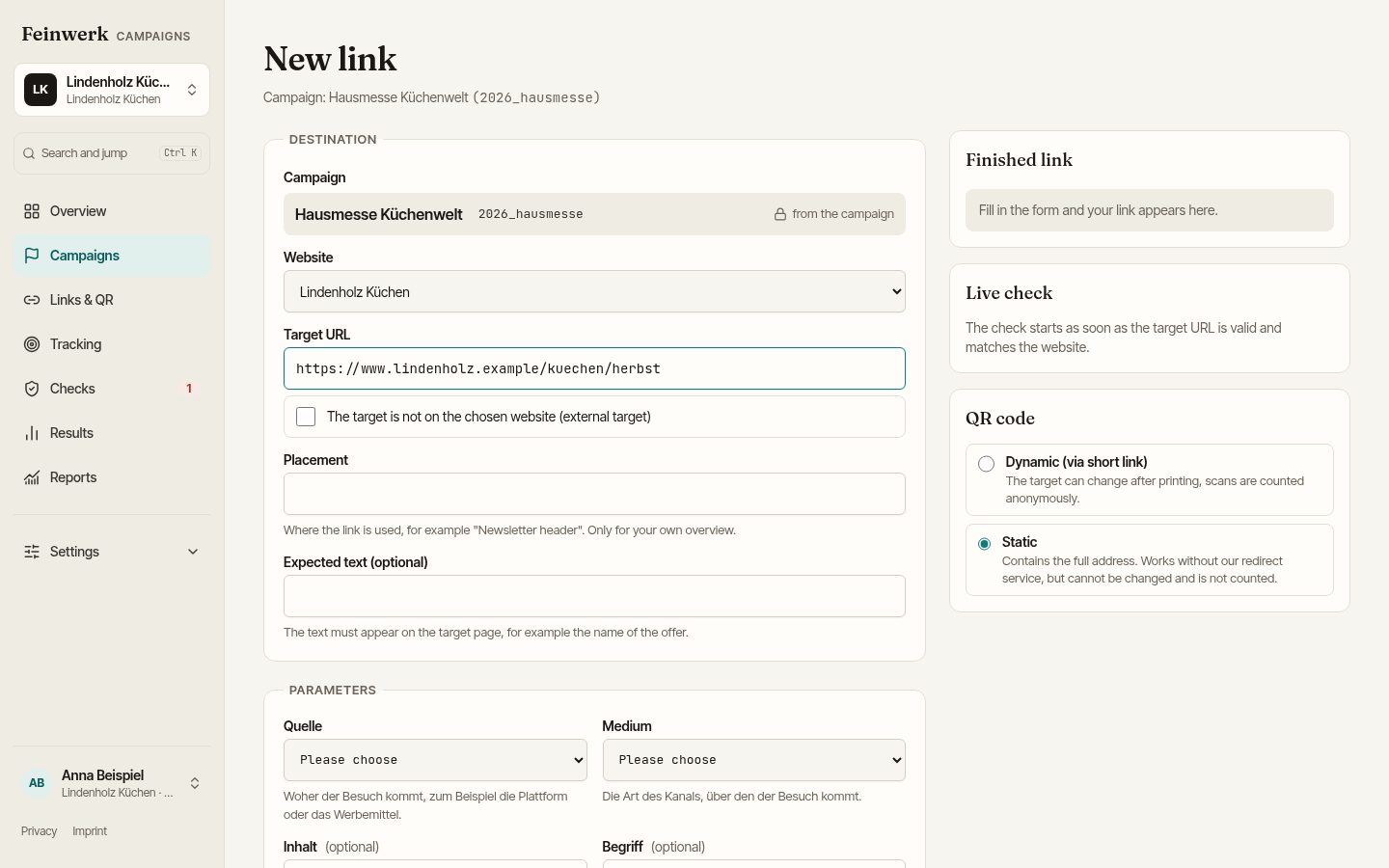
A form in, a clean link out.
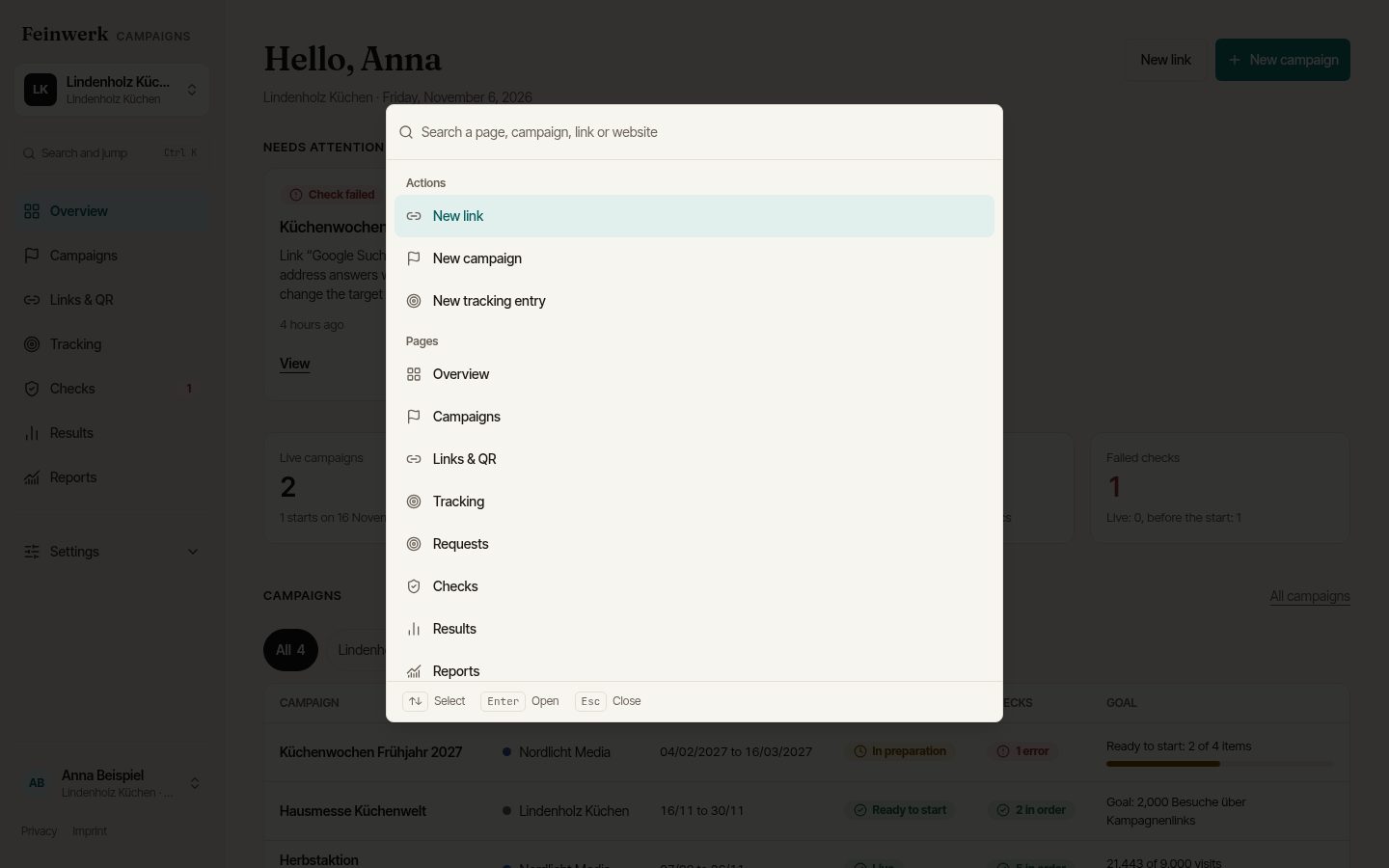
The link takes shape as you type, and every value is checked against the convention at once. You get the full address and a QR code for print, each copied with one click.
Who uses it: Everyone who links campaigns: marketing team or agency.
Lowercase letters, digits and hyphens only.
A value is missing from the list? , the workspace admin approves it.
QR code for printMinimum size 2 cm. Export as SVG, PNG, PDF or EPS.
Every link with its own ID
Every link carries a unique link ID. Results map to exactly one link, even if campaign names drift later. Existing parameters of the landing page are kept, new ones go in before any anchor.
CSV import with a report
Many links at once: row by row, with a report before anything is created showing what fits and what does not.
Adopt existing links
Links from running ads or printed codes stay exactly as they are. They are recorded and checked but get no link ID. Their results are matched by campaign, source and medium and marked as "less precise".
Static QR codes
The QR code holds the full address. It depends on no further service and cannot be changed after printing.
Short links and dynamic QR codes
Short links for sharing and QR codes whose target can change after printing, with scan counts. The short link domain is not settled yet, so they are not switched on.
Channel preview
With Feinwerk Channel Grouping in Matomo, the link builder shows in advance which channel a link will land in and warns about catch-all channels.
Before money flows, the platform checks the target.
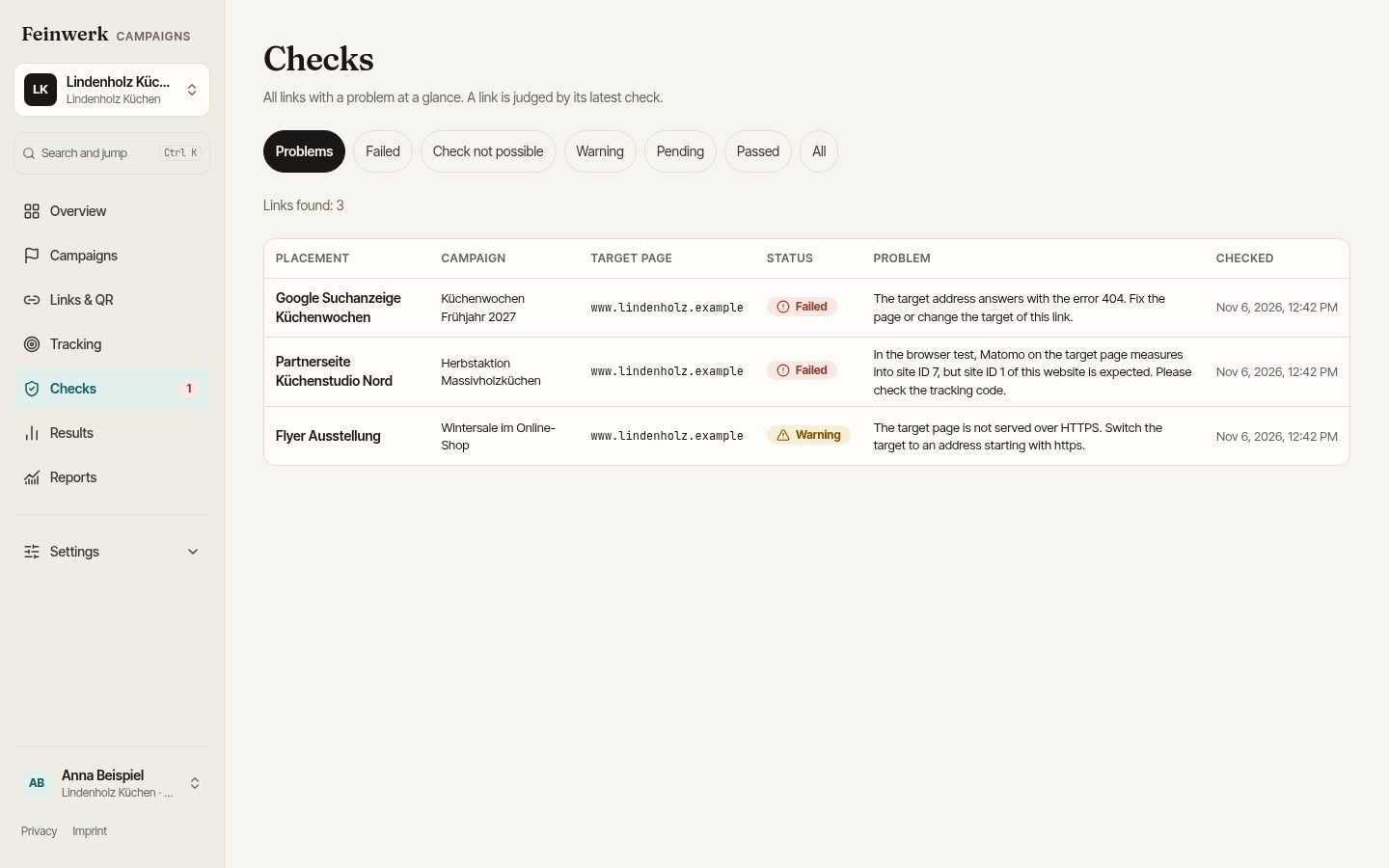
As soon as a link is created or its target changes, a check runs in the background. The result is there within seconds.
Who uses it: Whoever creates links, and everyone who approves a campaign.
- With MatomoPaid social, autumn video is live but has had no visits for 24 hours.
- ResolvedNewsletter, banner on top: parameters arrive again. All-clear to the same recipients.
- ProblemNewsletter, banner on top: parameters are missing after the redirect. Email to Nordlicht Media and the marketing team.
- WarningTrade fair, poster A1: the landing page certificate expires on 14 Nov.
Today the platform checks every link as soon as it is created or its target is changed. Continuous monitoring with email alerts comes next.
Instant check of the landing page
Reachability and status code of the whole redirect chain, the final page, whether the tracking parameters are still attached, certificate, response time and, if you like, an expected text. The check also detects tracking codes in the page source and compares them with your inventory.
Browser check
Every instant check of a link also opens the landing page in a real browser and checks whether Matomo counts with the right site ID. Results: OK, waits for consent (with the banner's name), wrong site ID, no tracking code, or blocked by the page's security rules (CSP). If the page cannot be checked in the browser, it says "Not checked in the browser" with a reason. If the service is busy, the check of the page source applies.
Continuous monitoring
Live links are re-checked regularly. If something breaks, the responsible agency and the company get a message, and a second one when it is fixed.
Alert when live but no visits
With Matomo, the platform reports when a link has been live for 24 hours and counts no visits.
No traces in your statistics
The instant check reads the page source and additionally opens the page in a real browser to see whether Matomo counts with the right site ID. Tracking requests are intercepted and not sent: no visits arise in your statistics and no clicks on ads. The check identifies itself as FeinwerkCampaignsCheck, so you can filter it in your logs.
The start checklist
A campaign becomes "Ready to start" when the last check of every link has passed (or a failure was acknowledged with a reason), all tracking requests of the campaign are "ready" and the required fields of the briefing are filled. An admin can approve exceptions with a reason, and they are logged.
Every tag with a name and a reason.
One list per website of everything that measures: Matomo goals and events next to pixels and conversion tags of advertising and analytics tools. With purpose, consent category, owner and status.
Who uses it: Tracking providers, agencies that want something measured, and the company as owner.
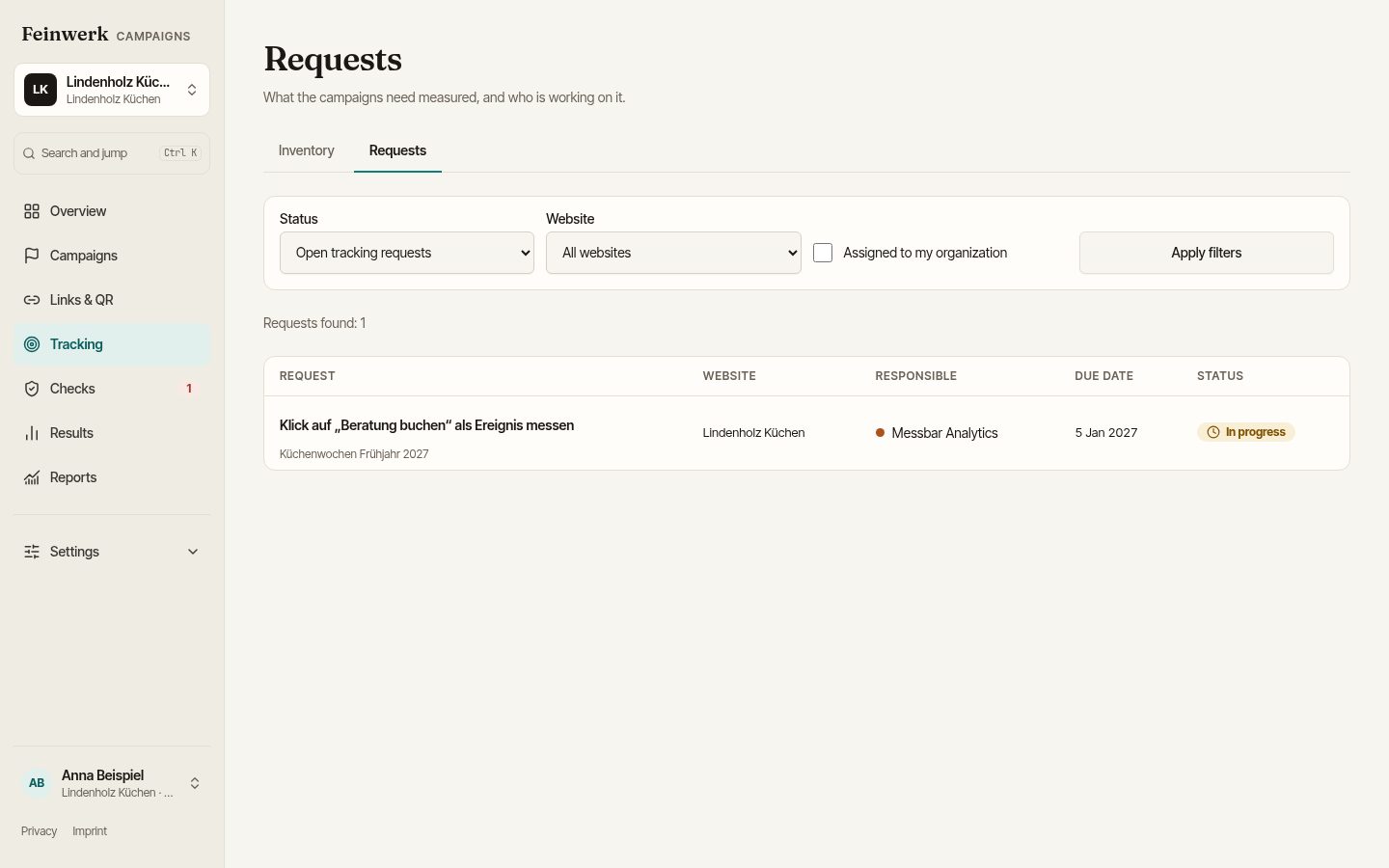
Requests with a status
The agency requests what its campaign has to measure. The tracking team sees it at once and documents what it has built in.
Does the event really arrive?
With Matomo the platform checks whether a new event is actually counted. "Built in three days ago, arrived zero times" shows up before the launch.
Agency gone, tags known Planned
When the work with an agency ends, you see which tags it requested and which can be removed now.
Inventory per website
For every entry: where and when it fires, how it is implemented, whether it loads only after consent, who requested it and when it is reviewed. Credentials are never stored, only IDs.
Requests with a status
Raised from a campaign: "What has to be measured for this?" The path leads through requested, in progress and to test to ready. Open requests hold the launch until an admin approves an exception with a reason.
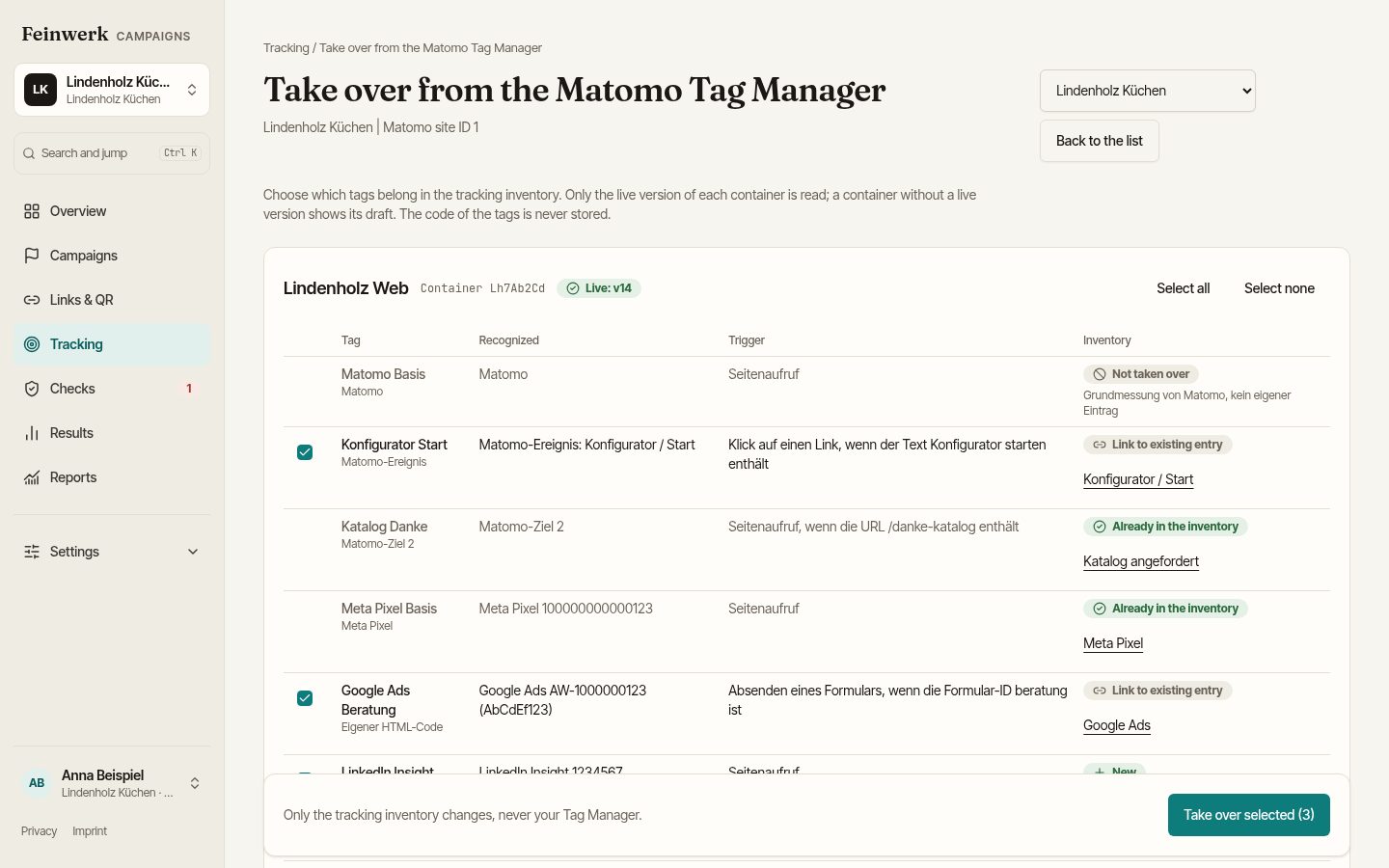
Import from Matomo Tag Manager
Under Tracking, "Import from Matomo Tag Manager" brings the tags into the inventory. Reading changes nothing in Matomo. The live version of every container is read (a container without a live version shows its draft). Matomo events and goals, Meta Pixel, Google Ads, Adform, LinkedIn, Floodlight, TikTok and more are recognised, with account ID and one row per account. Triggers are taken over as a sentence, for example "Page view when the URL contains /thanks". The import is allowed for the company and the tracking agency.
Privacy export
All third parties of a website with purpose, consent category and status, as a basis for the privacy policy and the consent banner.
List when an agency changes
When a collaboration ends, the platform shows which links still run, which requests are open and which tags the agency requested.
Numbers per link, explained in words.
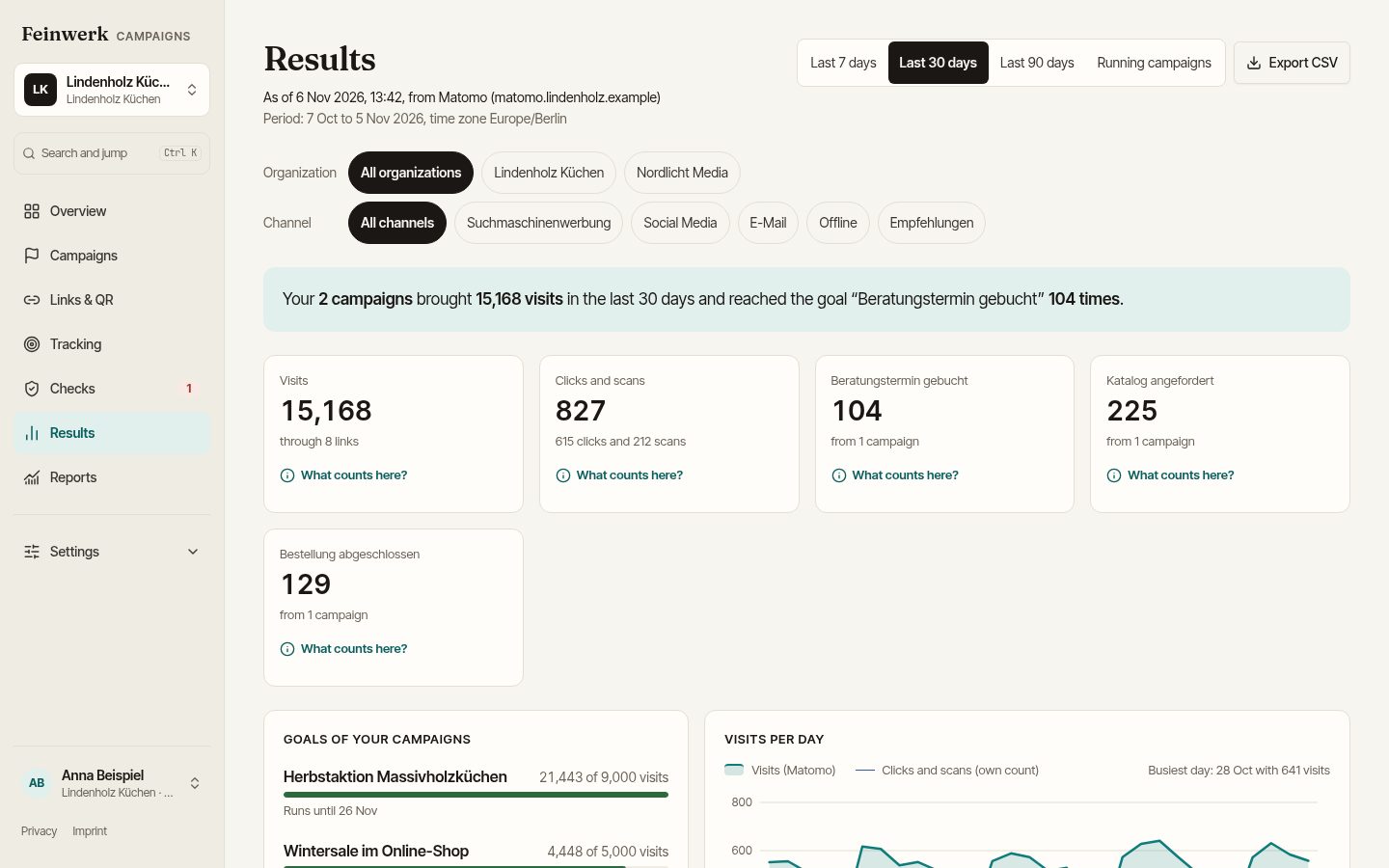
A campaign's results page shows what every link and placement delivered. Every number comes with an explanation: what is counted, where it comes from and for which period.
Who uses it: The company sees everything, each agency its own campaigns. With the "Viewer" role, management and sales can read along.
Results per link
Visits and conversions per link and placement, without anyone needing to know Matomo terms. Agencies find their numbers where they work instead of asking others for them.
Weekly overview by e-mail
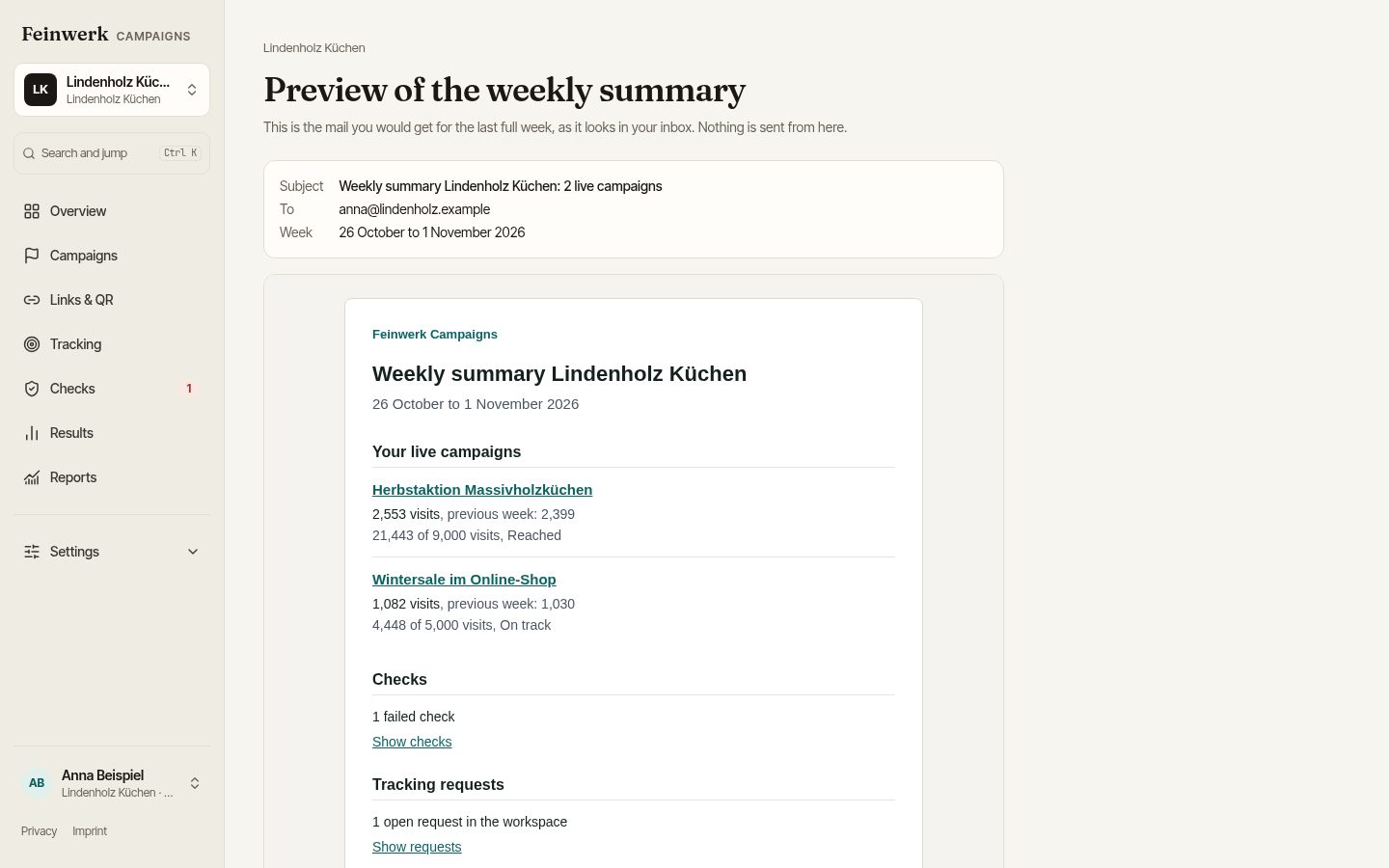
Every Monday one e-mail per agency and per company: running campaigns, the key numbers, failed checks and open requests.
Costs, CPA and ROAS
Record costs per campaign and put figures like cost per acquisition and return on ad spend next to them.
Campaign calendar
All campaigns by agency, channel and status at a glance.
Deeply connected to Matomo, but not dependent on it.
With a Matomo connection the numbers arrive automatically for every link. Without it, convention, link builder, checks and inventory remain fully usable. Matomo has its own campaign parameters (mtm_campaign, mtm_source and more) and understands the better known utm_ parameters just as well. That is why we speak of UTM; existing links with mtm_ or utm_ can be adopted.
Who uses it: Workspace admins connect Matomo, everyone else sees the numbers according to their role.
Connection per workspace
Matomo address and the access token of a dedicated Matomo user. The token is stored encrypted, and the platform shows which features the access level enables. Only daily totals are stored, never data about individual visitors.
Results per link
Visits, conversions per goal and revenue, fetched overnight and on demand. With the Matomo plugin Marketing Campaigns Reporting per link, without it by campaign name, with a note saying so.
Does the new event arrive?
The arrival check compares implemented events with what Matomo actually counts. "Implemented three days ago, arrived zero times" shows up early.
Analyse channels right inside Matomo: Feinwerk Channel Grouping, from the store for Plugins for Matomo, groups your campaign traffic into channels there.
What is planned next.
These items are not available yet. When they arrive also depends on what pilot customers need.
Your own short link domain
Short links under an address of your company instead of the shared short link domain.
Agencies create clients themselves
Agencies set up workspaces for their clients without our help. In the pilot we do this together with you.
Templates for agencies
Reuse proven settings for new clients.
Own domain for agencies
The platform under the agency's own name and address.
SSO and API
Sign in with the company account and access for your own reports.
Start as a pilot.
We take on a small number of marketing teams and agencies and set up the first workspace together with you: convention, websites and, if you have it, Matomo.